Virtual Lab Deployment & Active Directory
Posted · Updated
Provisioned and maintained standardized Windows Server and Active Directory lab environments across VirtualBox and VMware for 250+ students over multiple academic terms.
Project details
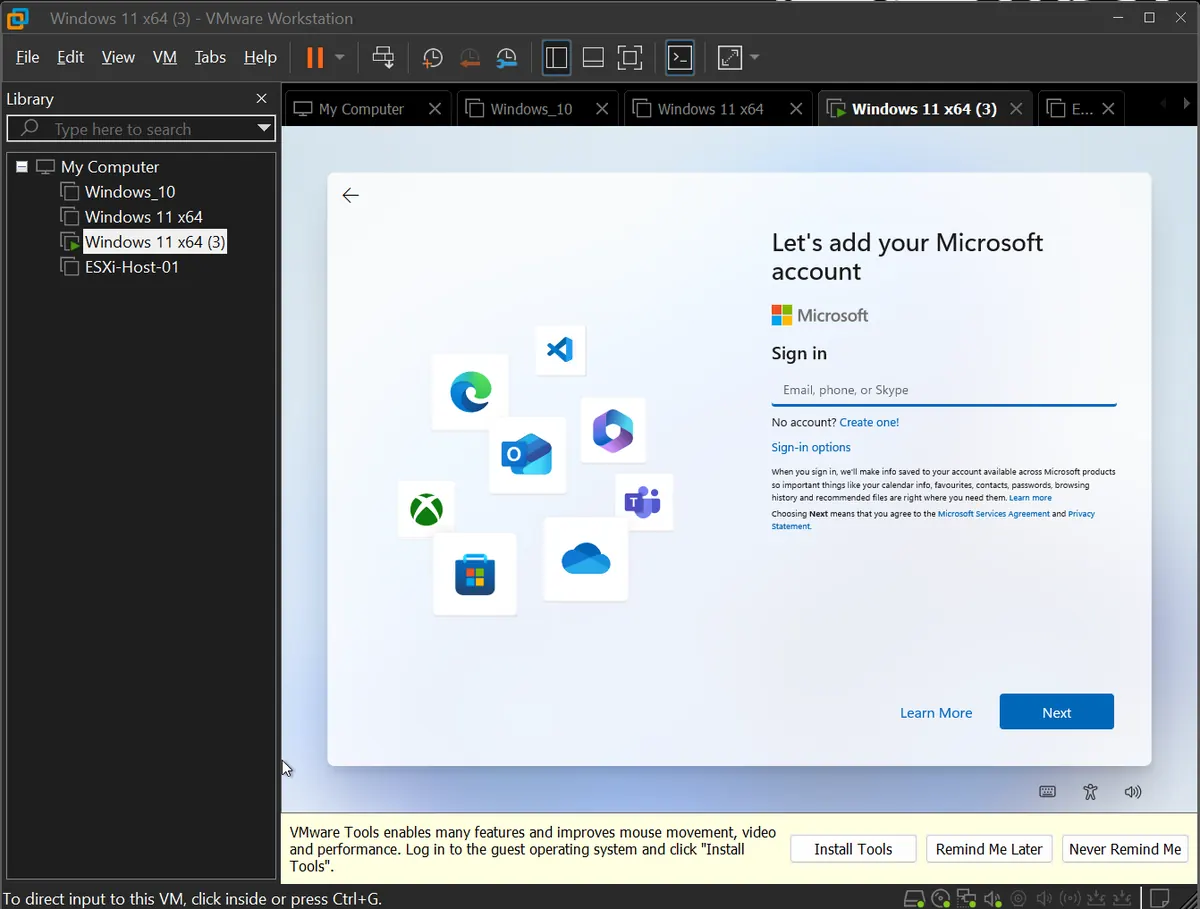
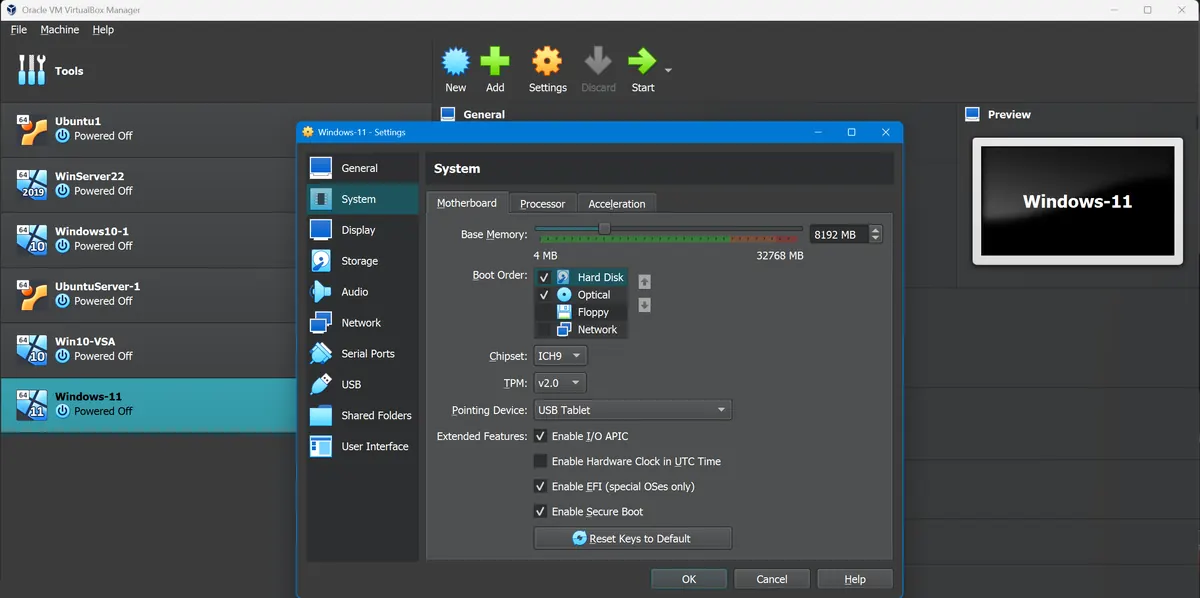
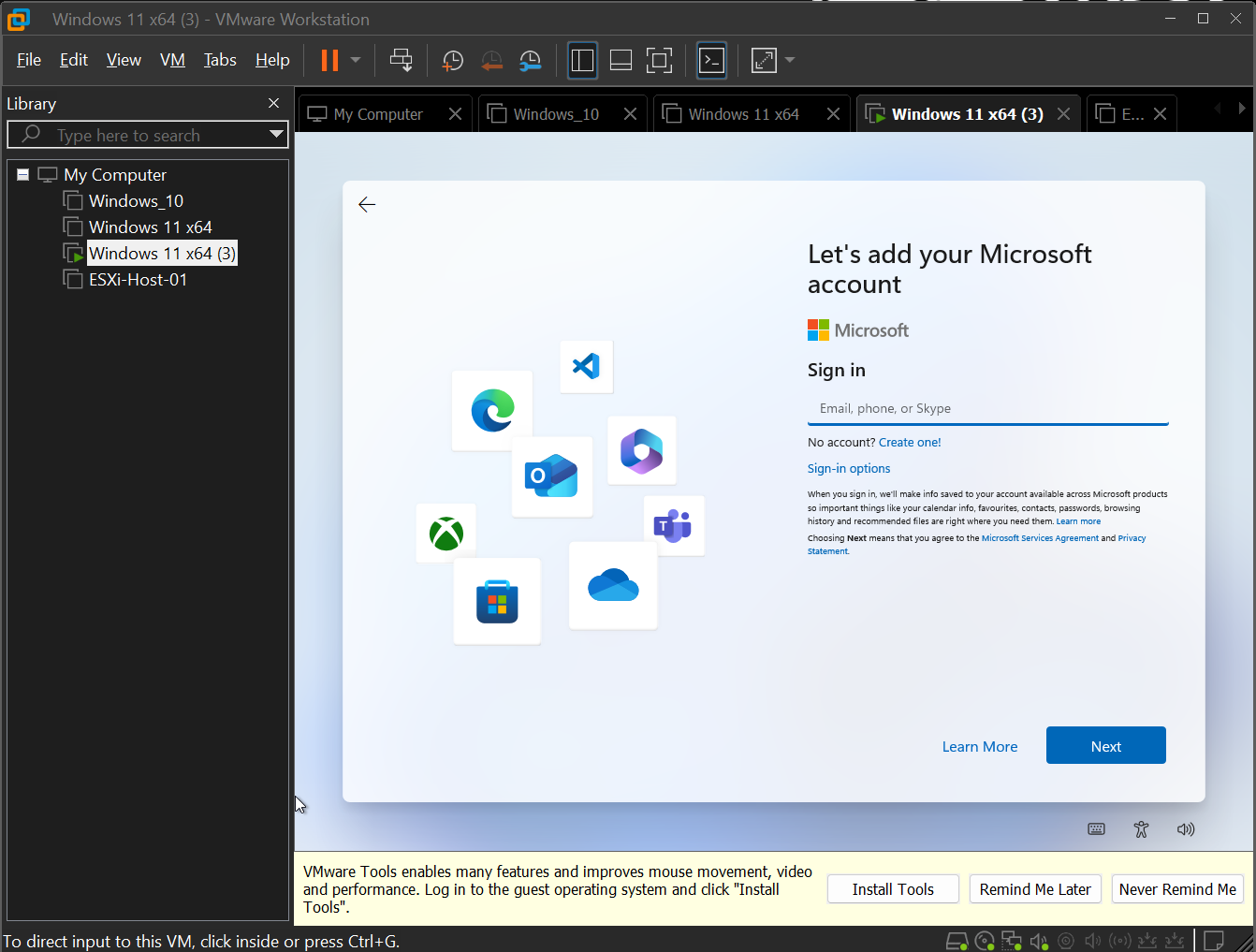
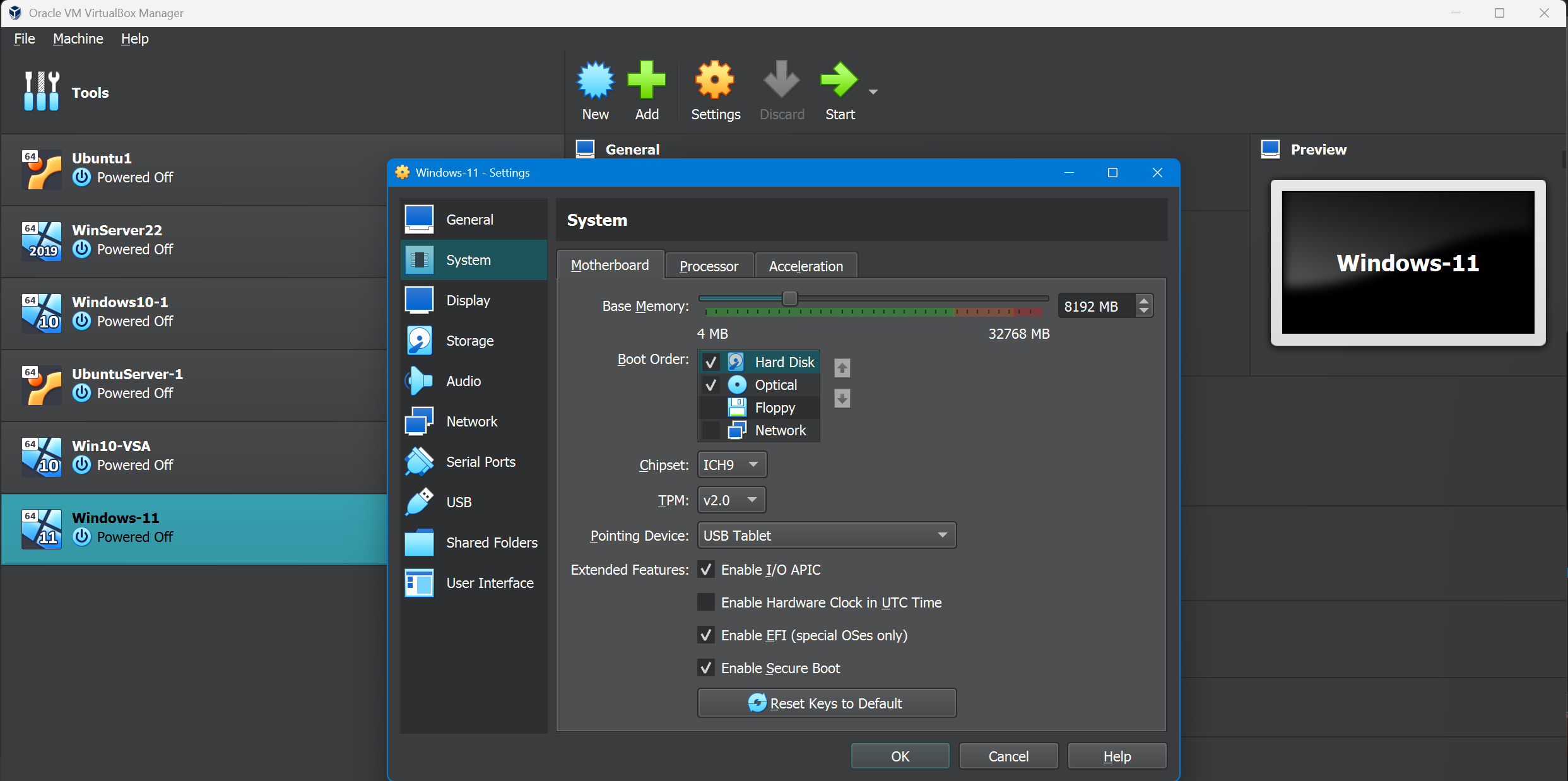
Built baseline virtual machine images for Windows Server 2019/2022 and Windows 10/11 client systems in both Oracle VirtualBox and VMware Workstation Pro, pre-configuring Active Directory Domain Services, DNS, Group Policy, and identity lab baselines.
Developed comprehensive setup playbooks and reset procedures to maintain consistency across 250+ student lab seats, enabling rapid redeployment of clean environments between terms and ensuring every student worked with identical baseline configurations regardless of their host machine.
Guided students through the complete lifecycle of domain controller deployment — from server role installation and domain creation through user/group management, Organizational Unit structuring, Group Policy configuration, and cloud-connected identity concepts.
Documented repeatable onboarding procedures covering hypervisor installation, virtual network adapter configuration, shared folder setup, and snapshot management, reducing first-week setup failures and allowing instructional time to focus on core systems administration concepts.
Work Context: At Pures College (IT Systems Support and Computer Instructor, 2024–2025), these standardized virtual lab builds supported classroom systems administration practicals with Active Directory and policy baselines.
Current Implementation: I continue refining the same baseline images and reset playbooks in personal projects and consultant onboarding drills for repeatable identity and policy testing.
Impact
Case study
Project Summary
Provisioned and maintained standardized Windows Server and Active Directory lab environments across VirtualBox and VMware platforms for 250+ students, ensuring consistent and reliable virtual infrastructure for systems administration coursework.
Work Context
At Pures College (IT Systems Support and Computer Instructor, 2024–2025), these lab builds supported classroom delivery for systems administration practicals. Baseline VM images were pre-configured with Active Directory Domain Services, DNS, and Group Policy so students had ready-to-use environments from the first day of each term.
Current Implementation
I continue refining the same baseline images and reset playbooks in personal projects and consultant onboarding drills for repeatable Active Directory and Group Policy testing across VirtualBox and VMware.
Results and Impact
- Lab seats supported: 250+
- Core services configured: 3 (AD, DNS, Group Policy)
- Virtualization stacks maintained: 2 (VirtualBox, VMware)
Deliverables
- Baseline VM images for Windows Server 2019/2022 and Windows 10/11 client systems
- Setup playbooks and reset procedures for consistent redeployment between terms
- Onboarding documentation covering hypervisor installation, network adapter setup, and snapshot management
!VMware Active Directory lab baseline
!VirtualBox Active Directory lab baseline
Technical Notes
- Domain controller lifecycle: role installation, domain creation, OU structuring, GPO configuration.
- Reset procedures ensure every student works from identical baseline configurations.
- Documented platform-specific steps for VirtualBox and VMware Workstation Pro.